
How to set up a QR code photo station at your wedding so guests can upload their photos instantly — without downloading anything.
QR codes have become one of the simplest ways to collect guest photos at a wedding. Guests point their phone camera at the code, tap the link, and upload directly — no app, no account, no friction.
Here's everything you need to know about setting up a wedding photo QR code for your wedding.
How it works
The guest experience is intentionally minimal:
- You create an event and get a unique upload link
- That link is encoded into a QR code (most platforms generate this automatically)
- You print and place the QR code at your venue
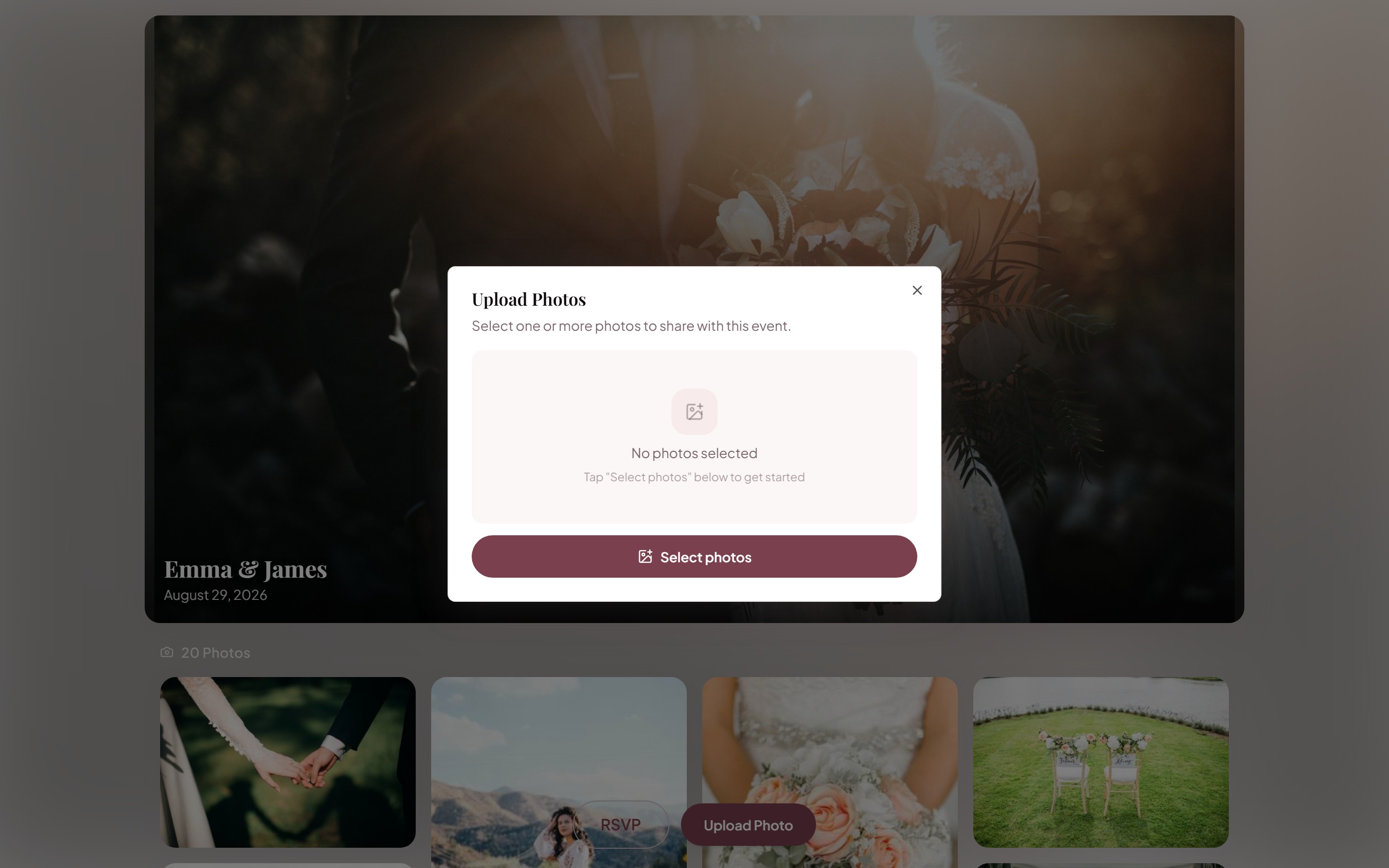
- Guests scan it with any smartphone camera and upload photos
- Every photo lands in your gallery
The whole flow takes guests about 30 seconds.

Where to place your QR code
High-traffic spots work best. Place codes at:
- Cocktail hour welcome table — guests are standing around, phones already out
- Each reception table — printed on a small card or sign alongside table numbers
- Photo booth backdrop — guests are already in photo-taking mode
- Bar area sign — high dwell time, phones readily accessible
- Order of service booklet — guests hold this the entire ceremony
Don't put your QR code only at the entrance (easy to miss). Don't place it too high or at an odd angle (hard to scan). And never use a tiny code on a small card — aim for at least 2"×2".
Designing your QR code sign
A QR code alone is easy to ignore. A sign with context gets 3–5× more scans:
📸 Share Your Photos! Scan the code below to add your photos to our gallery. No app needed — just scan and upload.
Keep it short. Guests don't read much at weddings.
Print size guidelines
| Placement | Minimum QR code size | |-----------|---------------------| | Table cards | 2" × 2" | | A4/Letter sign | 3" × 3" | | Large standee | 5" × 5" |
Making it work for older guests
Not everyone is comfortable with QR codes. Have a backup:
- Include the short URL text below the QR code (e.g.,
knotuploader.com/events/your-name) - Consider a digital guest book with photos — a dedicated station with table cards and instructions makes it even easier for guests to find and use
- Ask your MC or officiant to mention it during the reception
- Have a bridesmaid or groomsman demo it at cocktail hour
Timing the announcement
Even with QR codes everywhere, a verbal nudge dramatically increases participation. A good moment is right before the first dance or during dinner:
If you've taken any photos today, we'd love to have them. There's a QR code on your table — it takes about 30 seconds and means the world to us.
That single sentence, delivered by your MC, can double the number of guests who actually scan and upload.
Also works for
Related articles
The Digital Guest Book for Weddings (With Photos)
Digital guest book for weddings: let guests upload photos and messages from a QR code. No paper, no pen, no missing moments. Free to start.
Best Wedding Photo Sharing Apps & Tools in 2026
A comparison of the best ways to collect and share wedding photos with guests — from dedicated apps to no-download web tools.
Ready to collect your wedding photos?
Set up your event in under a minute. No credit card needed.
Get Started Free