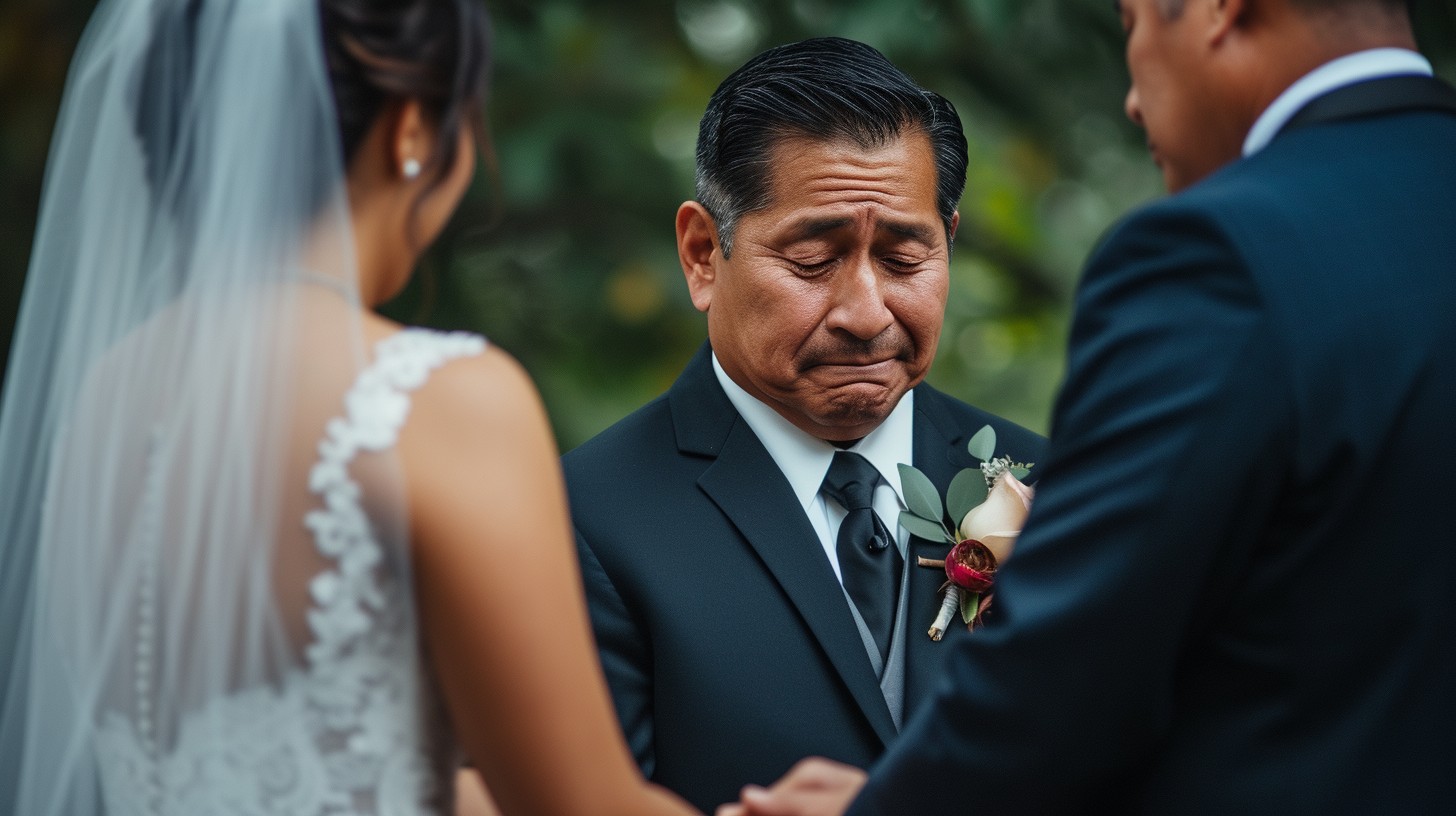
Digital guest book for weddings: let guests upload photos and messages from a QR code. No paper, no pen, no missing moments. Free to start.
A digital guest book for weddings is a shared online space where every guest can upload photos and leave a short message — using just their phone and a QR code. It replaces (or supplements) the traditional paper guest book, and it typically captures 2–3× more participation.
Start your free digital guest book →The traditional paper guest book is a nice keepsake, but it captures maybe 10% of your guests — whoever happened to find the table, during the 5 minutes someone had the pen, and felt inspired enough to write.
A digital guest book with photos captures the rest.
What is a digital wedding guest book?
A digital guest book is a shared online space where guests can:
- Upload photos they took at your wedding
- Optionally leave a message alongside their photos
- See a live gallery of everyone else's contributions
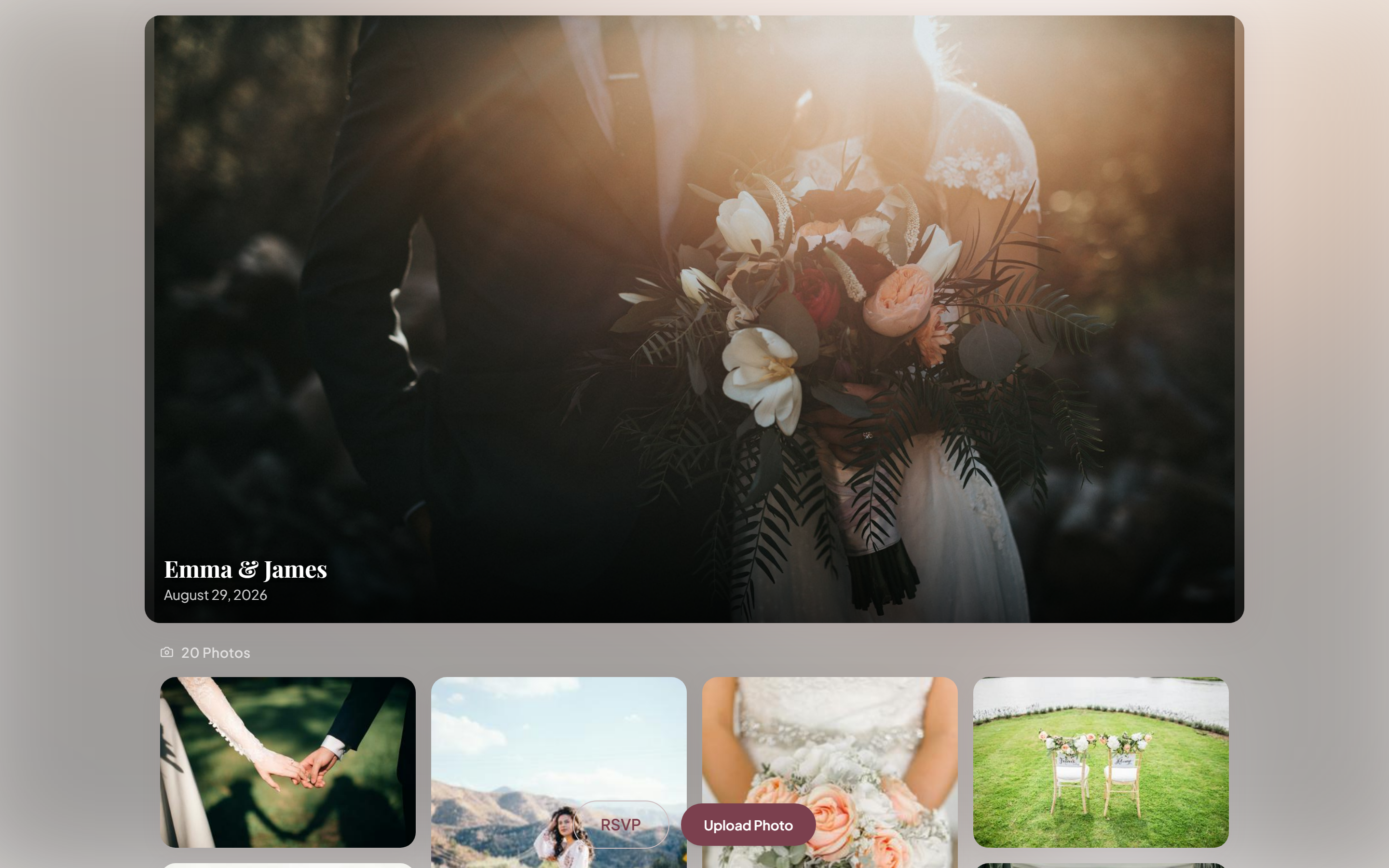
The result is a collaborative, living photo album built by your guests — far richer than anything a photographer captures alone.

Why digital beats paper
Setting up your digital guest book in 3 steps
Step 1 — Create your event. Sign up for a photo sharing platform, create your wedding event, and get your unique link and wedding QR code.
Step 2 — Set up your display. You have two options:
- QR code sign — a dedicated sign at the entrance or reception tables: "Scan to add your photo to our guest book"
- Photo booth — set up a booth with props and instructions; include the QR code on the booth frame
Step 3 — Remind guests. Even the best setup needs a nudge. Ask your MC to mention it during the reception, and send a follow-up link the day after.
Put your QR code somewhere guests linger — at the bar, at the photo booth, or on individual table cards. Anywhere with high dwell time gets dramatically more scans than entrances or exits. See our guide to placing QR codes at weddings for print size tips and sign templates.
Where to place your station
The best results come from a dedicated photo moment — a clearly labeled station that guests understand is specifically for contributing:
- Near the entrance (guests see it arriving)
- At the exit (guests see it leaving)
- At the photo booth (already in photo-taking mode)
- On reception tables (visible throughout dinner)
Privacy considerations
Not every guest wants their photos in a public gallery. A good digital guest book should:
- Only share photos with people who have your event link
- Not require guests to create accounts
- Let you moderate or remove photos before downloading
After the wedding
Once you have all the photos:
- Download everything as a full-resolution ZIP
- Curate your favorites into a folder
- Order a photo book through a print service (Artifact Uprising, Chatbooks)
- Share the gallery link with parents, wedding party, and remote guests
A digital guest book is the closest thing you'll get to seeing your wedding through your guests' eyes.
Frequently asked questions
What is a digital guest book?
A digital guest book is a shared online space where guests upload photos and leave short messages from their own phones, usually by scanning a QR code. It replaces or supplements a paper guest book and typically captures 2–3× more participation because there's no pen, no line, and no app to download.
How does a digital wedding guest book work?
You create an event, get a unique link and QR code, and display it on table cards or a sign. Guests scan the code, upload photos from their camera roll, and optionally add a message. Everything collects in one private gallery you can view live and download afterward as a full-resolution ZIP.
Is a digital guest book better than a paper one?
For most couples, yes. A paper guest book captures roughly 30–50% of guests and no photos; a digital photo guest book reaches 60–80% participation and produces hundreds of images plus messages. Many couples keep a small paper book as a keepsake and use a digital one to actually capture the day.
How much does a digital guest book cost?
Many tools, including KnotUploader, are free to start with a generous photo limit — enough for most small and mid-sized weddings. Paid plans remove upload caps and extend storage. There's no subscription required to try one.
Can guests leave messages as well as photos?
Yes. A good digital guest book lets each guest attach a short written message alongside their photos, so you get both the images and the sentiments — a richer keepsake than either alone.
Also works for
Related articles
Using a QR Code to Collect Photos at Your Wedding
How to set up a QR code photo station at your wedding so guests can upload their photos instantly — without downloading anything.
Best Wedding Photo Sharing Apps & Tools in 2026
A comparison of the best ways to collect and share wedding photos with guests — from dedicated apps to no-download web tools.
What to Ask on Your Wedding RSVP: Meals, Plus-Ones & Custom Questions
The essential questions every wedding RSVP needs, the optional ones worth adding — song requests, dietary needs, accommodation — and the ones to leave off.
Ready to collect your wedding photos?
Set up your event in under a minute. No credit card needed.
Get Started Free