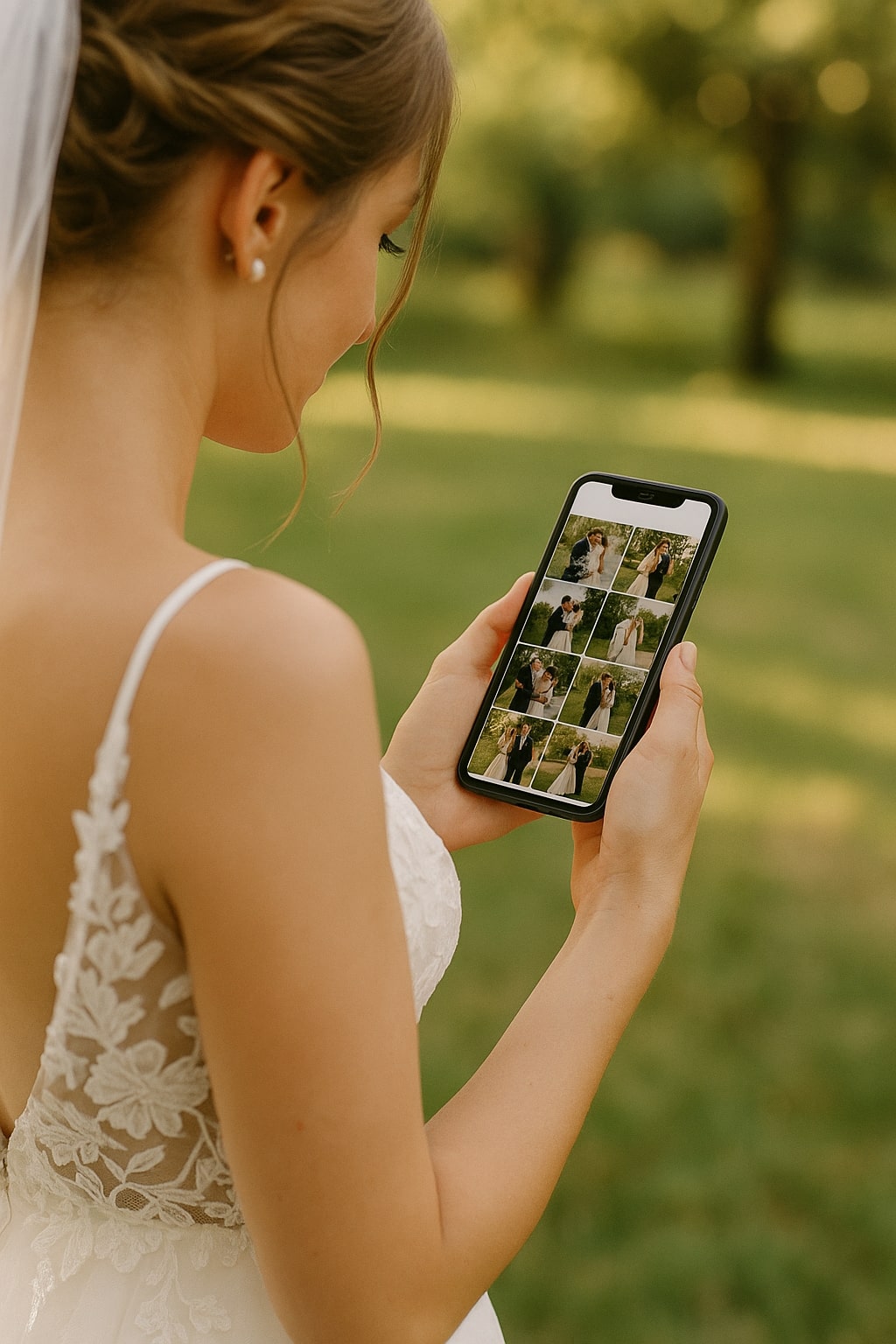
A comparison of the best ways to collect and share wedding photos with guests — from dedicated apps to no-download web tools.
Every couple wants the same thing after their wedding: all their guests' photos in one place. But the tools for getting there vary wildly in how much friction they create.
Here's an honest look at the main options.
What to look for
Before comparing tools, decide what matters most:
- Guest friction — does every guest need an account or app?
- Photo quality — are images compressed or delivered in original resolution?
- Gallery sharing — can guests see each other's photos in real time?
- Download options — can you bulk download everything as a ZIP?
- Cost — one-time payment vs. subscription vs. free with limits
Option 1: Dedicated wedding photo upload tools
Best for: most couples.
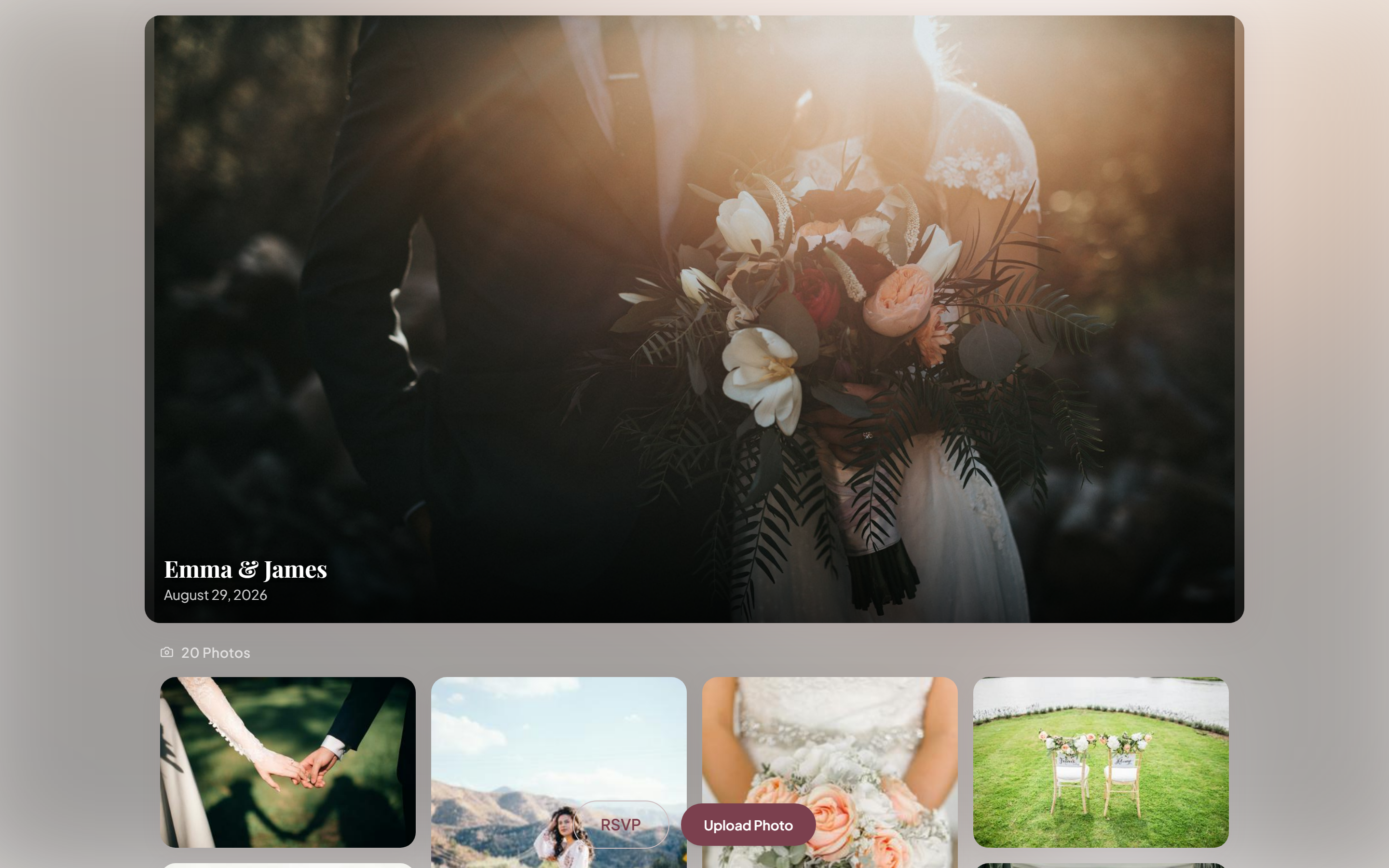
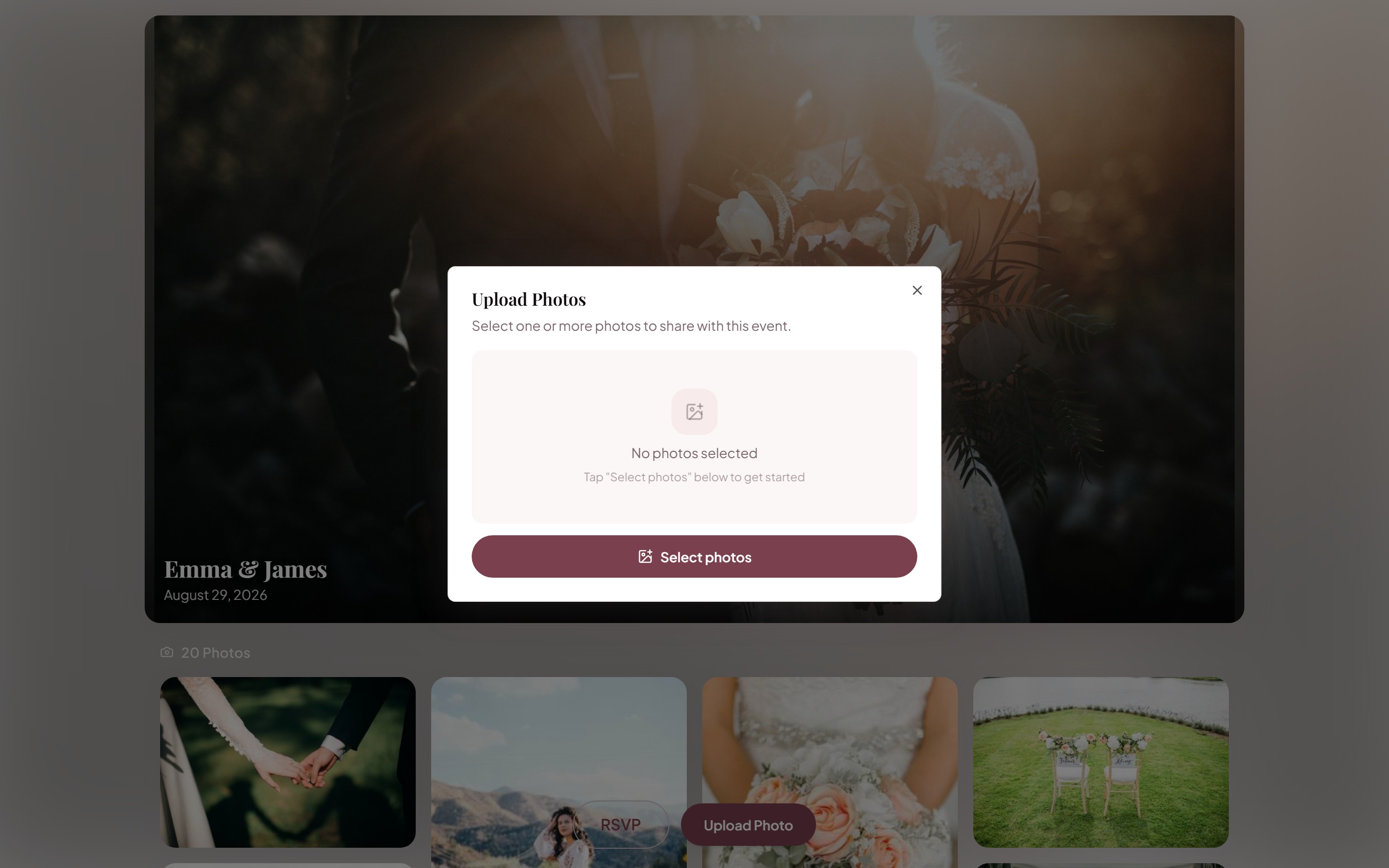
Purpose-built tools like KnotUploader let guests upload via QR code or link from any browser. Photos appear in a shared gallery instantly. See our guide to setting up a wedding photo QR code for placement and print tips.
Pros: no app download, works on any device, organized in one gallery, includes QR code generator, bulk ZIP download available.
Cons: some tools have photo limits on free plans, gallery isn't "social" like Instagram.
Option 2: Google Photos shared album
Best for: tech-comfortable guests.
Google Photos lets you create a shared album and invite guests to contribute.
Pros: free, familiar interface, Google's storage and compression quality.
Cons: guests must have a Google account, accepting the invite adds friction, no QR code generator built in, older guests often struggle with it.
Option 3: WhatsApp group
Best for: small groups (under 30 guests).
Pros: zero setup, everyone already has WhatsApp, instant and real-time.
Cons: photos are compressed by default (losing quality), group becomes noisy with congratulations messages, hard to organize or download in bulk.
WhatsApp automatically reduces photo size for faster sending. This is fine for chat, but disastrous for archiving — you lose detail you'll want if you ever print or zoom in.
Option 4: Dedicated wedding app
Best for: tech-savvy couples with engaged guests.
Pros: all-in-one wedding planning + photo sharing, often includes RSVP and wedding website features.
Cons: guests must download an app (big friction point), less guest participation as a result, monthly subscription costs.
Option 5: Dropbox / Google Drive folder link
Best for: corporate-minded couples.
Pros: free up to storage limits, works on any device.
Cons: ugly upload experience, no gallery view, no QR code, easy to exceed free storage limits.
Which should you choose?
For the best combination of guest participation and photo quality, a no-app web-based upload tool wins. The simpler it is for guests, the more photos you get — and the quality stays at original resolution.
The easier you make it for guests, the more photos you get. Every step of friction costs you photos.
If budget is the only concern, a free-tier tool plus a day-after text reminder is still far better than hoping people email you photos.
Frequently asked questions
What is the best wedding photo sharing app?
For most couples, a no-app, browser-based upload tool wins, because guest friction is the single biggest factor in how many photos you collect. Guests scan a QR code and upload from any phone with no download or account, which gets roughly 3× more participation than app-based options. Dedicated wedding apps, Google Photos, and WhatsApp all work but each adds friction or compresses image quality.
Do wedding photo sharing apps require guests to download an app?
The best ones don't. Web-based tools like KnotUploader work entirely in the phone's browser via a QR code or link — no install, no login. Apps that require a download consistently see lower guest participation because many guests won't install something for a single event.
Is Google Photos good for collecting wedding photos?
Google Photos works if your guests are comfortable with it, but it requires a Google account and accepting a shared-album invite, which adds friction for older or non-Google guests. It's free and high-quality, but a no-account QR upload tool usually collects from more guests.
Are there free wedding photo sharing apps?
Yes. Several tools, including KnotUploader, are free to start with a generous photo limit that covers most small and mid-sized weddings, upgrading only if you need more storage or downloads. A free tier plus a day-after reminder text collects far more photos than hoping guests email them.
What's the best way to collect photos from wedding guests?
Give every guest one frictionless way to upload: a QR code that opens a browser upload page, displayed where guests linger (tables, the bar, the photo booth), plus a verbal reminder from your MC and a follow-up link the next day. The easier it is, the more photos you get.
Also works for
Related articles
Using a QR Code to Collect Photos at Your Wedding
How to set up a QR code photo station at your wedding so guests can upload their photos instantly — without downloading anything.
The Digital Guest Book for Weddings (With Photos)
Digital guest book for weddings: let guests upload photos and messages from a QR code. No paper, no pen, no missing moments. Free to start.
Best Wedding RSVP Websites & Tools in 2026
An honest comparison of the best ways to collect wedding RSVPs online — full wedding-website builders, dedicated RSVP tools, and combined RSVP + photo platforms.
Ready to collect your wedding photos?
Set up your event in under a minute. No credit card needed.
Get Started Free