
Why app-free photo sharing gets 3x more guest participation at weddings and events — and how to set it up in under a minute.
There's a direct relationship between how easy it is to upload photos and how many photos you actually get.
Every step you add — download this app, create an account, verify your email — cuts participation. Eliminating all of those steps is the single biggest thing you can do to collect more photos from your event.
The participation math
Here's what happens to participation rates as you add friction:
| Method | Avg participation | |--------|------------------| | App download required | 15–25% | | Account sign-up required | 25–40% | | Browser only, no sign-up | 60–80% |
The difference between "download an app" and "open this link" is 3–4× more guests contributing photos.
How app-free photo sharing works
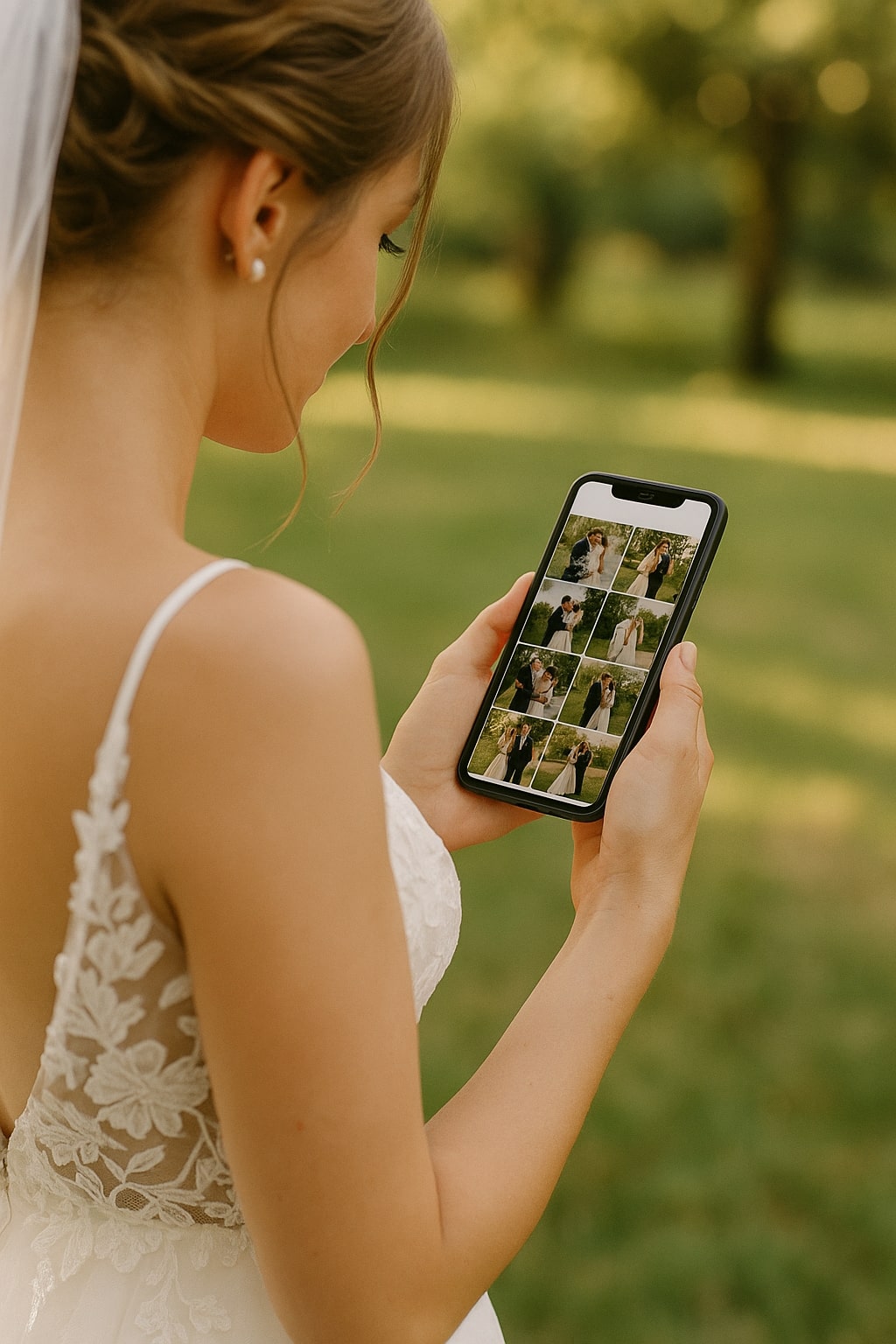
Modern browsers can access your camera and upload files directly — no app installation required. The experience looks like:
- Guest scans QR code or opens link on their phone
- A simple upload page opens in their browser
- They select photos from their camera roll (or take new ones)
- Photos upload directly and appear in the gallery
No accounts. No app stores. No passwords. Total time: under 60 seconds.
Who does this work for?
Everyone. Because it's just a web page:
- iPhones and Androids both work
- Older browsers work (anything from the last 5 years)
- Tablets and desktops work
- Guests who "don't do technology" can figure it out — there are only 2 taps
What to tell guests
The best explanation is the shortest one:
Scan this code to add your photos to our gallery — no app needed.
"No app needed" is the key phrase — it removes the main objection before guests even raise it.
Don't say "QR-enabled cloud photo platform with HEIC support." Say "scan and share — no app needed." Plain language wins every time.
Ideal for more than weddings
App-free photo sharing works for any event where you want guest contributions:
- Birthday parties — especially milestone birthdays (40th, 50th)
- Baby showers — collect photos from everyone at the shower
- Corporate events — team photos, conference moments
- Reunions — family reunions, class reunions
- Engagement parties — a nice precursor to the wedding gallery

What happens to the photos
Good upload tools store photos at original resolution, give you a gallery view, and let you bulk download everything as a ZIP. You own the photos — they don't get shared publicly, used for ads, or sold to anyone.
Also works for
Ready to collect your wedding photos?
Set up your event in under a minute. No credit card needed.
Get Started Free