A practical guide to building an online wedding photo gallery your guests can browse, contribute to, and download from — in under 5 minutes.
An online wedding photo gallery gives everyone — the couple, the families, the guests who couldn't make it — a single place to see and relive the day.
Here's how to create one that actually works.
What makes a good wedding photo gallery?
Before picking a platform, decide what you need:
- Guest contributions — can guests add their own photos, not just view yours?
- No login required — will guests actually use it if they need to sign up?
- Full resolution — are downloads the original quality or compressed?
- Mobile-friendly — most guests will view it on their phone
- Shareable link — easy to send via text or social
Option 1: A dedicated photo collection platform
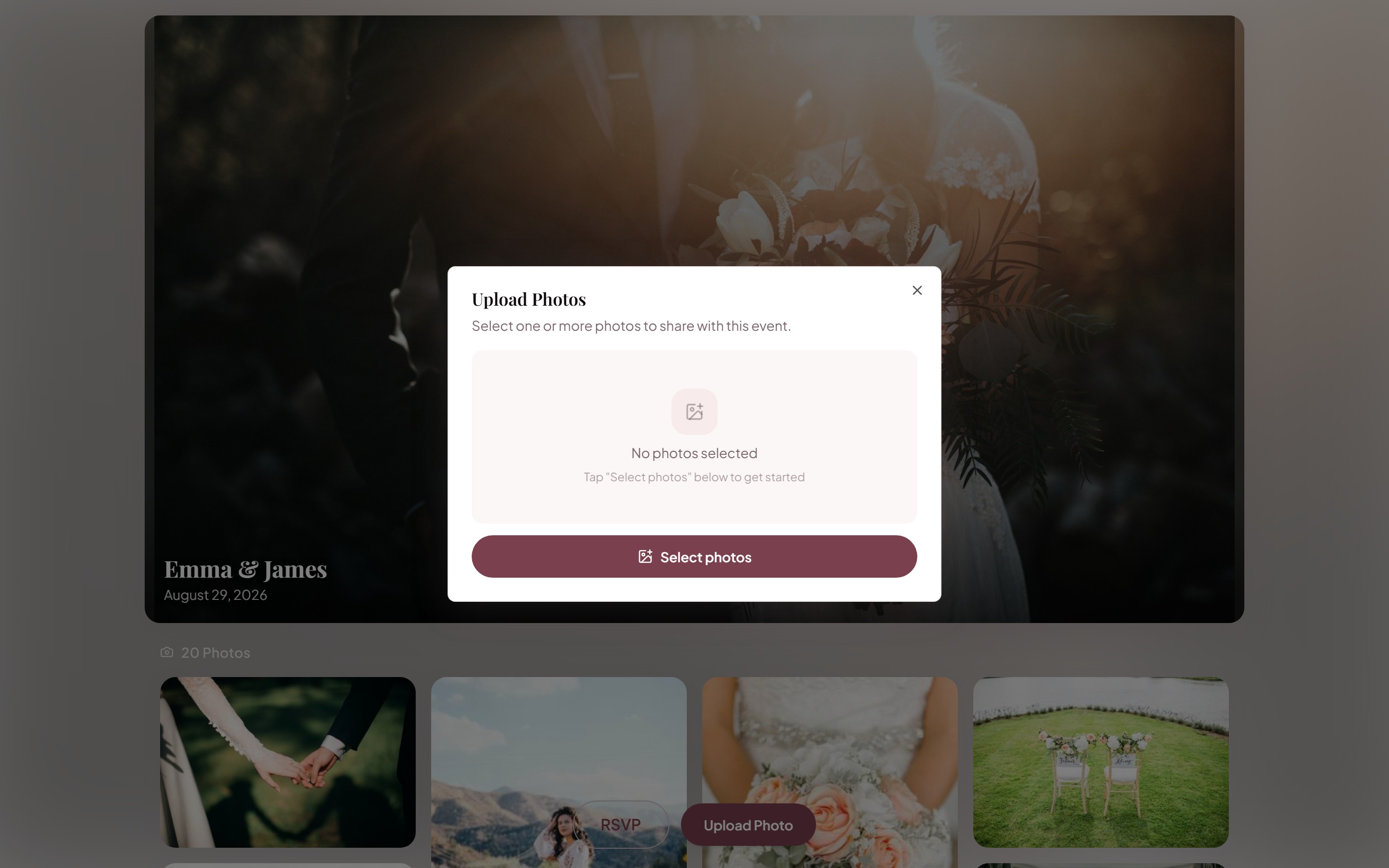
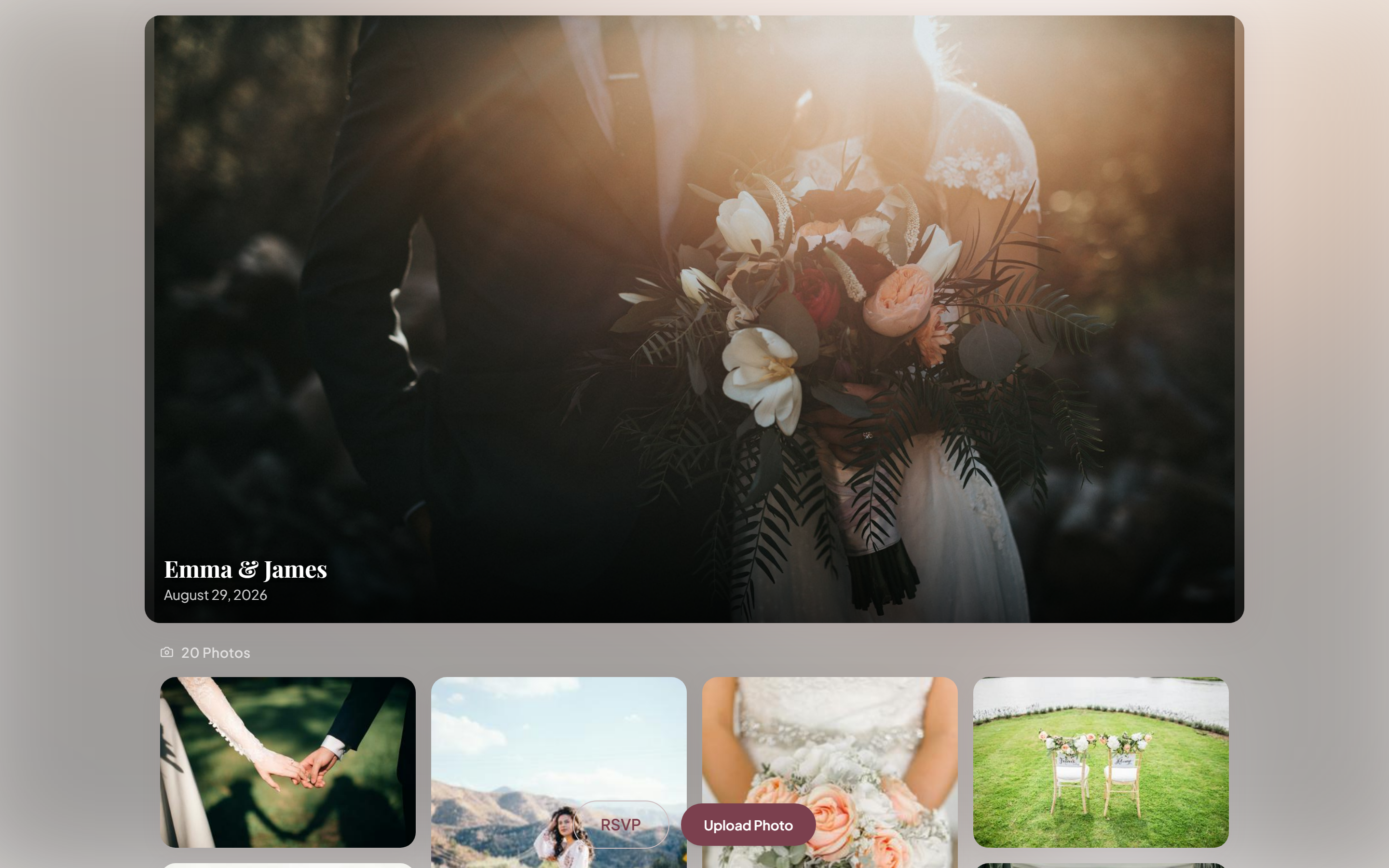
Purpose-built tools like KnotUploader let you create a gallery in minutes. Guests get a shareable link and QR code, upload their photos from any browser, and the gallery builds itself in real time.
Setup steps:
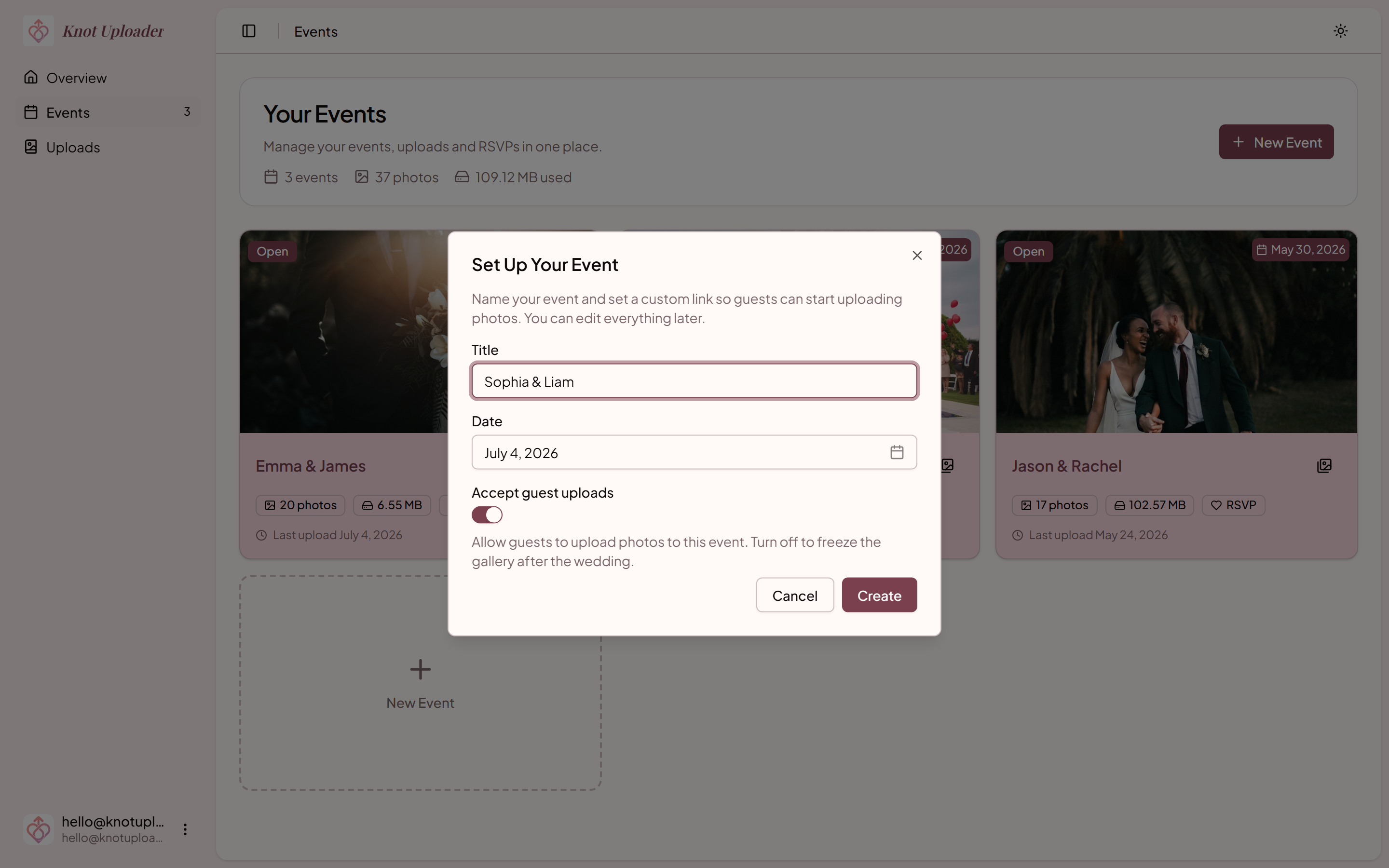
- Create a free account and set up your event (name, date, optional cover photo)
- Copy your gallery link and download your QR code
- Share the link with guests — via text, WhatsApp, or print the QR code
Your gallery is live instantly, accessible on any device, and requires no sign-in for guests.
Option 2: Google Photos shared album
Free and familiar, but requires guests to have a Google account and accept an invitation — which creates friction.
Best if: your guest list is mostly tech-comfortable and already uses Google Photos.
Option 3: Dedicated wedding website (Squarespace, Zola, etc.)
Wedding websites include photo gallery features, but they're usually for the couple to post photos, not for guests to contribute.
Best if: you already have a wedding website and just want a gallery for your professional photos.
Option 4: Flickr or SmugMug
Professional photographers often use Flickr or SmugMug to share galleries with clients. These are polished but typically not designed for guest uploads.
Best if: your photographer is already on one of these platforms.
Pre-wedding checklist
- [ ] Create your event and get your upload link
- [ ] Generate and print your QR code (min 2"×2" for table cards)
- [ ] Test the upload flow from your own phone
- [ ] Design and print table cards with the QR code
Day-of checklist
- [ ] Place QR codes at cocktail hour and reception tables
- [ ] Ask MC to announce the gallery link during reception
- [ ] Ask your "guest photo coordinator" to remind people
After the wedding
Send your follow-up message within 48 hours. Wait a week and most guests will have moved on. Wait 24 hours and they're still in the wedding afterglow — peak willingness to share.
Once your gallery is full, share the same link with:
- Parents and in-laws
- Wedding party
- Guests who couldn't attend
- Your photographer (they love seeing what guests captured)
Your photographer captures the day's structure. Your guests capture its soul.
Also works for
Ready to collect your wedding photos?
Set up your event in under a minute. No credit card needed.
Get Started Free